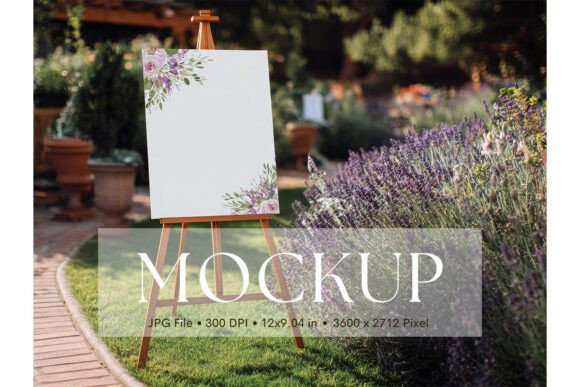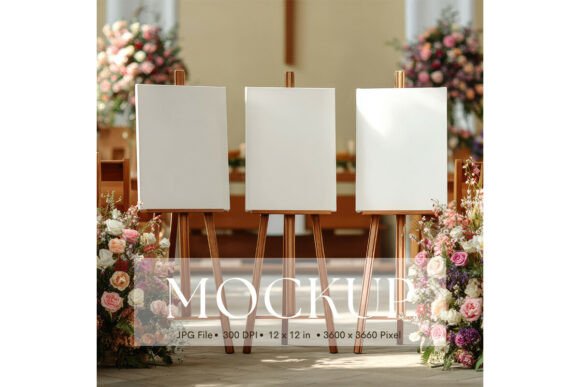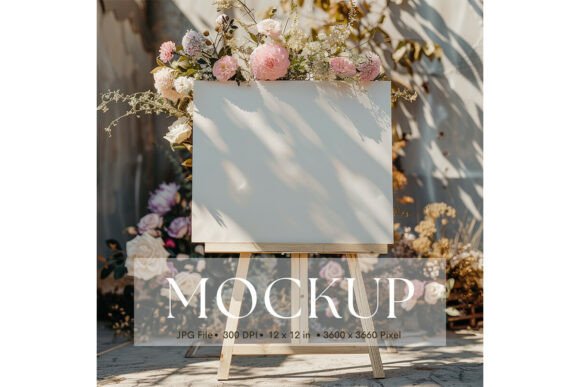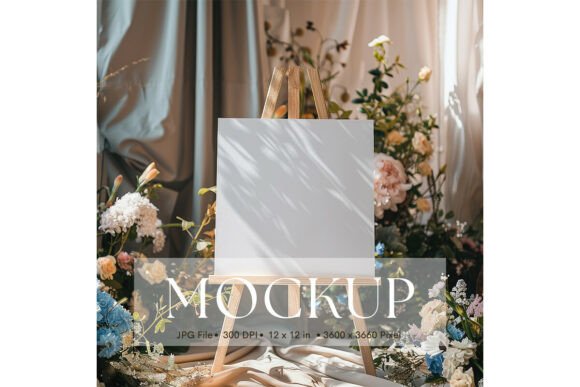
Minimalist Mockups for Wedding Signs and Invitations
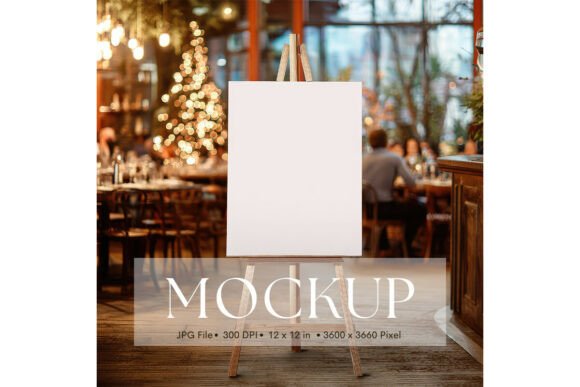
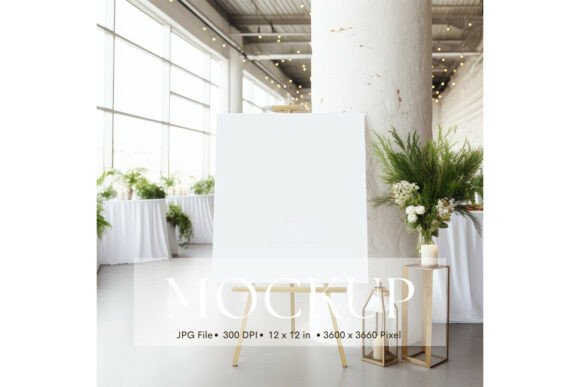
You’ve spent hours perfecting your calligraphy, refining your vector art, or designing the perfect monogram for a client's big day. But when it comes time to show the client the final result, how do you present it? Sending a raw PNG file often fails to capture the texture and presence of a physical sign. This is where the Welcome Sign, Wedding Sign Mockup_224 steps in, bridging the gap between digital design and real-world application. It offers a clean, distraction-free canvas that lets your typography and artwork speak for themselves.
The Power of Minimalism in Design Presentation
In the world of visual communication, context is everything. A beautifully designed script font might look stunning on a white screen, but it takes on a new life when viewed on textured paper or a physical board. However, finding the right environment for that preview can be tricky. Busy backgrounds, harsh lighting, or cluttered props can detract from your work. This particular asset solves that problem by utilizing a minimalist aesthetic. By stripping away the noise, the focus shifts entirely to your creative output.
The value of a high-quality mockup lies in its ability to elevate your work without overshadowing it. Whether you are presenting a wedding sign to a couple or showcasing a new display font for your portfolio, the surrounding environment influences how the viewer perceives the quality of the work. A clean composition suggests professionalism and attention to detail—qualities that clients and customers actively look for.
Practical Applications for Designers and Entrepreneurs
If you are a graphic designer, small business owner, or content creator, the utility of a versatile template like this extends far beyond just wedding planning. The included JPG file, sized at a substantial 3600 x 3600 pixels, provides ample resolution for both digital and physical projects. Here is how you can integrate this asset into your workflow:
- Brand Identity and Logo Design: When developing a brand identity, seeing a logo in isolation isn't always enough. Use this mockup to show how a logo would look on signage or event collateral. It helps bridge the gap between a flat vector file and a tangible brand touchpoint.
- Social Media Graphics: Platforms like Instagram and Pinterest thrive on high-quality visuals. A wedding sign mockup is perfect for stationers and calligraphers to announce their services or share recent work. The square aspect ratio is optimized for social feeds, ensuring your post looks sharp on any device.
- Website and Portfolio Display: For web design and editorial portfolios, consistency is key. Using a consistent mockup style across your website creates a cohesive look that reinforces your brand's visual language. It turns a simple gallery into a curated collection.
- Print Materials and Merchandise: If you sell digital products or physical goods, presentation drives sales. This file works beautifully for product covers, lookbooks, or even as part of a larger packaging design concept.
Elevating Typography with the Right Context
Typography is more than just selecting a font style; it is about communication. When you place a premium font or a custom piece of art into a realistic setting, you are telling a story. You are showing the end-user exactly what they are getting. For example, if you are selling a script font or a handwritten font, showing it on a mockup helps potential buyers visualize the typeface's flow and connectivity in a practical setting.
Consider the specific characteristics of the assets provided. Because the file does not contain watermarks or movable objects, it functions as a pure backdrop. This is ideal for:
- Editorial Layouts: Use the image as a hero graphic in a blog post about wedding trends or interior design.
- Invitations: If you design stationery, you can overlay your invitation designs onto the surface to create a realistic preview for your clients.
- Marketing Assets: Create ads that look organic and natural rather than staged and artificial.
Technical Considerations for a Flawless Workflow
While the visual appeal is immediate, practical application requires a few technical notes to ensure the best results. The asset comes as a JPG file rather than a layered PSD with smart objects. This means you won't be able to simply paste your design into a layer mask. Instead, you will need to use blending modes or perspective tools within your design software—such as Adobe Photoshop or Canva—to integrate your artwork seamlessly.
For designers working with modern typography or intricate illustrations, color accuracy is paramount. The prompt notes that colors may appear differently depending on your monitor, printer, or the materials used in a final print run. This is a standard reality of digital design. It serves as a good reminder to always test your color palettes. If you are using a specific serif font or sans serif font, ensure that the contrast against the background remains high enough to maintain readability.
Strategic Advice for Font Pairings and Selection
When using a mockup to display text, the choice of typeface becomes even more critical. A minimalist background demands clean lines and deliberate spacing. If you are using this template to showcase a header, consider pairing a bold display font with a lighter, simpler body font. This creates a hierarchy that guides the viewer's eye.
Here are a few tips for matching typography to this specific environment:
- Check the Scale: At 12 x 12 inches, this is a large canvas. Ensure your font size is legible. A script font with too many swashes might get lost if it is too small.
- Test Pairings: Don't just use one typeface. Try combining a modern typography style with a classic serif to see how the textures interact with the mockup's surface.
- Review Included Styles: If you are selling a font family, use different parts of the mockup (if applicable, or by creating multiple versions) to show bold, italic, and regular weights.
Commercial Licensing and Final Thoughts
Before incorporating any design asset into your client work, always verify the licensing. While this specific mockup is excellent for personal portfolios and client presentations, understanding the terms of use ensures you stay compliant. For creative entrepreneurs, having a library of high-resolution, royalty-free mockups is essential for scaling your business efficiently.
Ultimately, the Welcome Sign, Wedding Sign Mockup_224 is more than just a stock photo; it is a tool for visual consistency and professional presentation. It allows you to present your logo design, packaging, or artwork