Elegant Wedding Sign Mockup_234: Your Minimalist Design Showcase
When presenting your wedding stationery or event signage designs, the context matters just as much as the artwork itself. A beautifully crafted welcome sign or menu design can get lost in a cluttered background, but place it in the right setting, and suddenly the details shine. That’s precisely what the Welcome Sign, Wedding Sign Mockup_234 offers—a clean, distraction-free environment that lets your work take center stage. Whether you’re a designer finalizing a client project, a small business owner showcasing products, or a crafter building a portfolio, this mockup provides a professional, polished way to display your creations without the hassle of a full photoshoot.
A Canvas That Complements, Not Competes
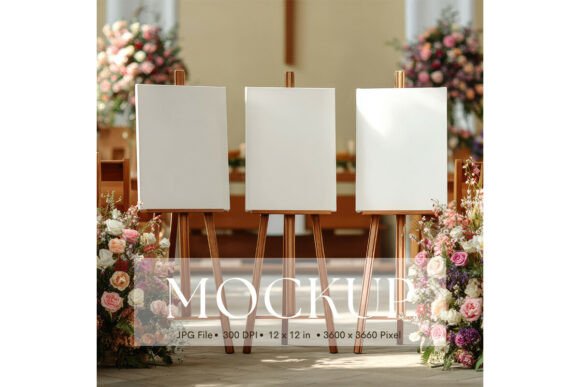
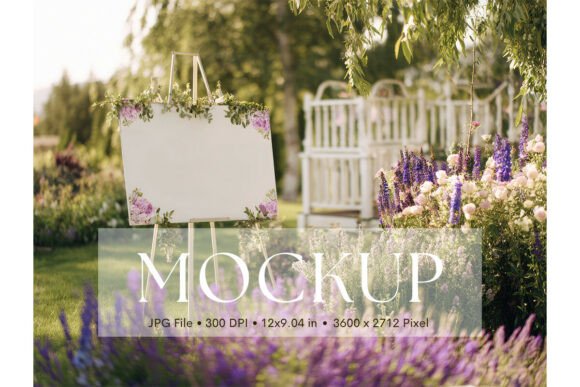
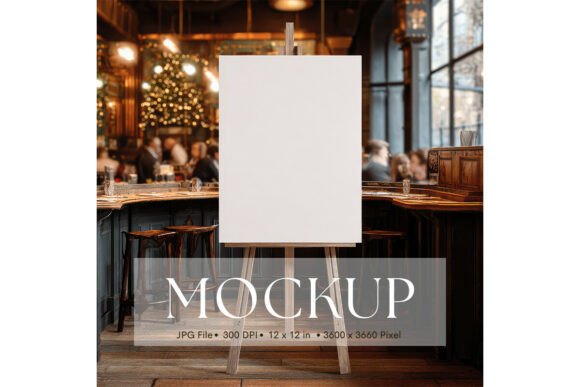
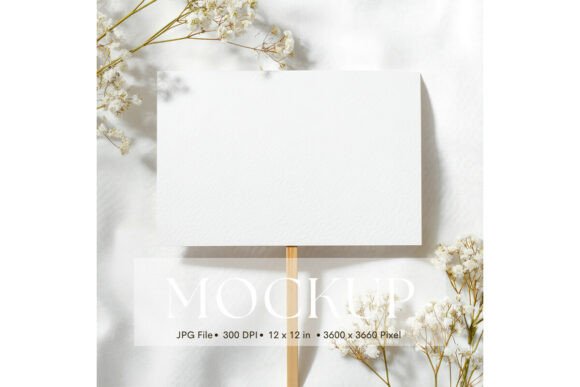
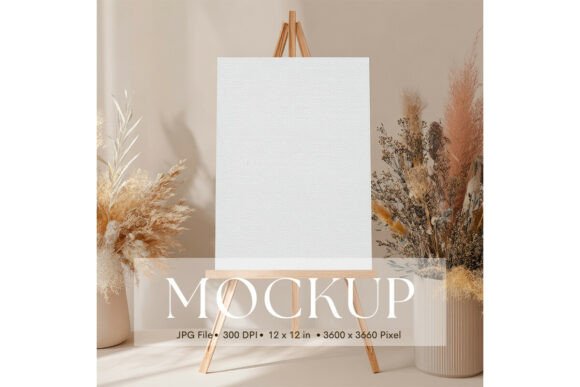
The strength of this mockup lies in its minimalist design. The background is intentionally neutral, allowing your welcome sign, artwork, or illustration to become the undisputed focal point. There are no competing patterns, textures, or props pulling attention away from your design. This simplicity is a strategic advantage—it ensures that potential clients or customers see exactly what you want them to see: your work. The composition is balanced and elegant, making it suitable for a wide range of projects beyond wedding signage, including posters, photography prints, and even small merchandise displays.
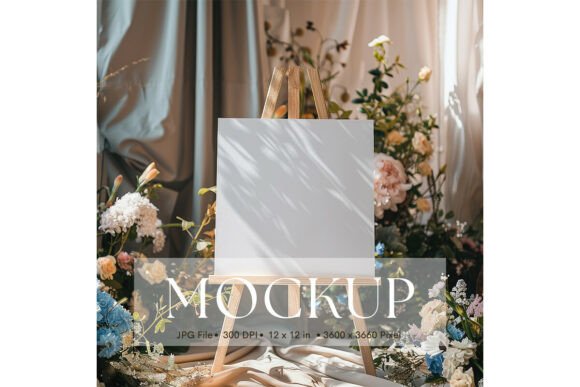
With a high-resolution output of 3600 x 3600 pixels (12 x 12 inches), the mockup delivers crisp detail suitable for both digital and print use. The single JPG file format keeps things straightforward—no complicated layers or software requirements. You simply insert your design, and it’s ready to present. It’s worth noting that the objects in the image are fixed, which actually helps maintain visual consistency across your portfolio or product listings. You won’t have to worry about rearranging elements each time; the professional setup is ready to go.
Practical Applications for Designers and Entrepreneurs
This mockup isn’t just for wedding signage. Its versatile, clean aesthetic makes it a valuable asset for numerous creative and commercial projects. Consider using it for:
- Brand Presentations: Showcase logo designs, brand marks, or typography studies in a realistic, elegant setting that impresses clients.
- Social Media Content: Create cohesive, eye-catching posts for Instagram, Pinterest, or Facebook that highlight your latest designs or products.
- Website & Portfolio Galleries: Replace flat digital files with styled mockups to give your online portfolio a more professional, three-dimensional feel.
- Etsy or Online Shop Listings: If you sell digital templates, printable art, or custom signage, this mockup helps customers visualize the final product.
- Marketing Materials: Use the mockup in digital brochures, email newsletters, or promotional graphics to demonstrate design applications.
For small business owners, especially in the wedding or stationery industry, presenting your products in a lifestyle context can significantly boost perceived value. Instead of showing a blank template, you’re showing a finished piece in a setting that evokes emotion and sophistication. This can lead to higher engagement, better conversion rates, and stronger brand recognition.
Enhancing Your Visual Branding Strategy
Consistency is key in branding, and using a cohesive set of mockups can unify the look and feel of your marketing materials. The Welcome Sign, Wedding Sign Mockup_234, with its neutral tones and minimalist vibe, can serve as a foundational element in your visual toolkit. Pair it with other similarly styled mockups—perhaps for business cards, envelopes, or packaging—to create a seamless brand experience.
When selecting mockups for your projects, consider how they align with your brand’s personality. If your brand identity leans toward modern, clean, and sophisticated, this mockup is a natural fit. For those with a more rustic or whimsical style, you might look for mockups with different textures, but the principle remains: the mockup should enhance, not overshadow, your design. Always ensure the final presentation reflects the quality and attention to detail you put into your work.
Tips for Maximizing Your Mockup
To get the most out of this resource, keep a few practical considerations in mind. First, ensure your design file is high-resolution and properly sized to avoid pixelation or awkward cropping. While the mockup is 3600 x 3600 pixels, your artwork should be prepared at a similar resolution for the best results.
Color accuracy is another important factor. As noted, colors may vary depending on your monitor, printer, or materials. If color precision is critical—for example, in a client presentation or product listing—consider doing a test print or using color calibration tools. The mockup provides a neutral backdrop, so your design’s colors will be the primary focus, making accuracy even more vital.
Finally, think about context. While the mockup is versatile, pairing it with complementary typography and design elements in your overall presentation can create a stronger narrative. For instance, if you’re showcasing a wedding invitation suite, use this sign mockup alongside stationery mockups to tell a complete visual story.
A Smart Addition to Your Creative Toolkit
In a world saturated with visual content, standing out requires not just great design, but also smart presentation. The Welcome Sign, Wedding Sign Mockup_234 offers a straightforward, elegant solution for creatives who want to showcase their work professionally without investing in expensive photoshoots or complex software. Its minimalist design, high resolution, and ease of use make it a practical asset for designers, entrepreneurs, and hobbyists alike. By integrating it into your workflow, you can elevate your portfolio, enhance your marketing materials, and ultimately, present your creative vision in the best possible light.